

📖 Today’s Edition
The Big Story: Why 2026 is the year your C-Suite will demand real ROI from your AI experiments.
Trends: The AI infrastructure market is consolidating into a few powerful giants.
The Workflow: How to use AI in a tool you already own—Adobe Acrobat—to save hours on document management.
🚀 AI News & Breakthroughs

THE GREAT AI RECKONING OF 2026 IS HERE
A new analysis warns that 2026 will be the year of the “Boardroom Hangover,” where executives will be held accountable for millions spent on AI pilot projects with no clear return on investment.
The Details:
Many companies invested heavily in AI in 2024-2025 based on hype, not strategy.
The focus is shifting from “What can we do with AI?” to “What is the business case for this AI project?”
Why it matters (Strategic Analysis):
This is the end of the “AI for AI’s sake” era. For founders and SMB owners, this is a critical gut-check moment. If you can’t draw a straight line from your AI spending to either increased revenue or decreased costs, you’re burning cash. The competitive advantage will go to the leaders who treat AI not as a speculative tech toy, but as a core business lever that must justify its existence on the P&L statement.
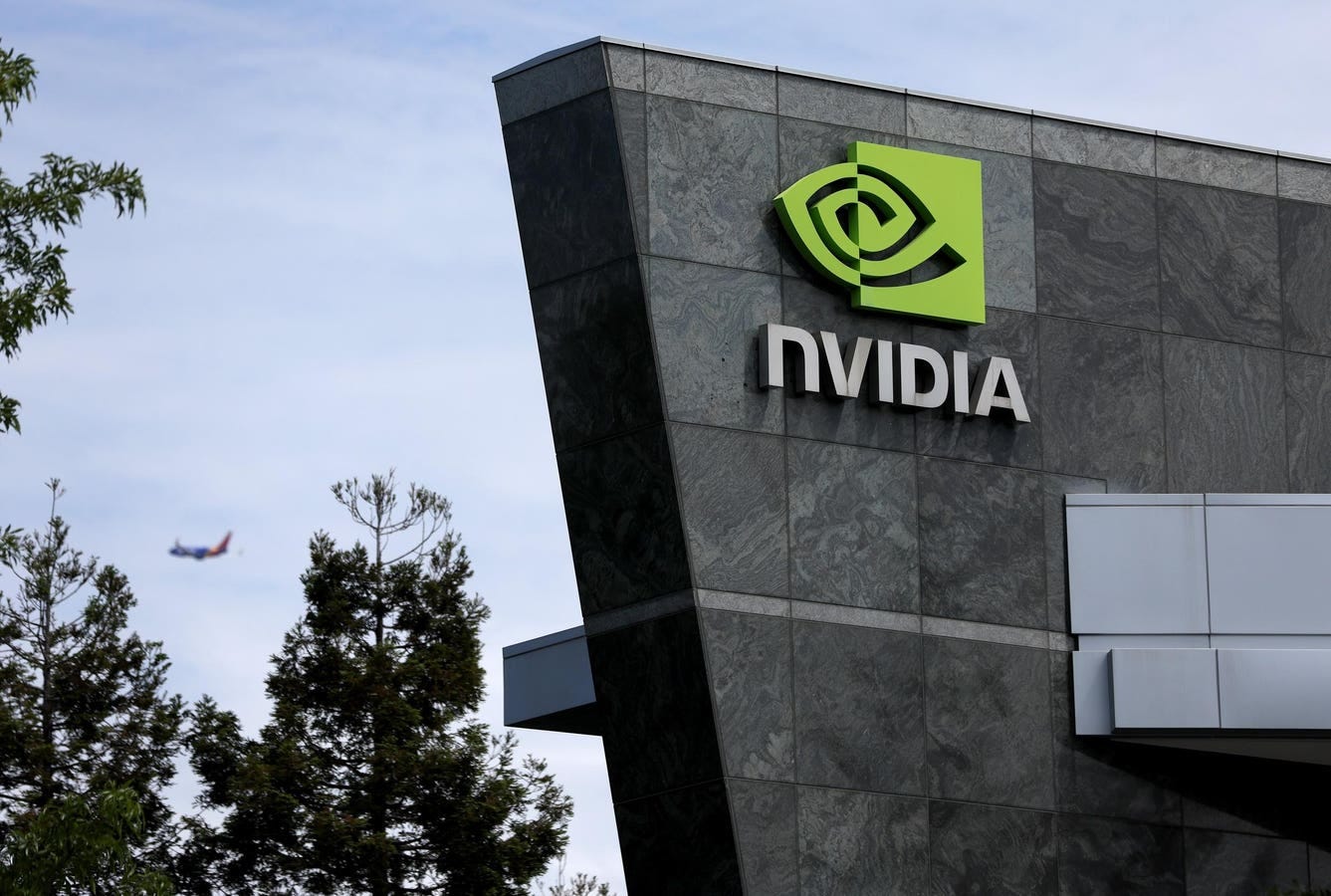
NVIDIA BUYS ITS WAY TO INFRASTRUCTURE DOMINANCE
Nvidia has effectively acquired AI chip startup Groq in a massive $20 billion licensing and asset deal, signaling a major consolidation in the AI hardware market.
The Details:
The deal gives Nvidia control over Groq’s highly efficient AI chip technology.
This move strengthens Nvidia’s already dominant position in the AI infrastructure space.
Why it matters (Strategic Analysis):
The foundation of AI is being controlled by a handful of players. For business leaders, this means the cost and availability of AI compute power will be dictated by giants like Nvidia. This creates a strategic dependency. While it ensures stability, it also reduces your leverage. This is the time to evaluate your long-term AI strategy and consider how vendor lock-in at the chip level could impact your costs and flexibility down the road.
🛠️ AI Tools to Discover
1. Google AI Studio’s Vibe Coding
Build AI apps without code.
Use Case: Turn a business idea into a working prototype in minutes. Describe your app in plain English, and the tool generates the functional application for you.
Pricing: Not specified
2. SynthID by Google DeepMind
Watermark and verify AI images.
Use Case: Protect your brand by embedding an invisible, permanent watermark in your AI-generated marketing images. This helps combat deepfakes and proves authenticity.
💡 AI Prompts & Hacks
1. The ROI Reckoning Prompt
Context: Use this to force your team to justify AI spending with a focus on business results.
“Act as a Chief Financial Officer. I am reviewing our Q4 AI initiatives. Our goal is to cut any project that does not have a clear and measurable path to profitability.
For the project titled ‘[Insert AI Project Name]’, you must write a one-page executive summary that answers the following questions:
1. Problem: What specific business problem does this solve?
2. Metric: What single metric (e.g., cost savings, lead conversion rate) will this improve?
3. ROI: What is the estimated 6-month ROI, and what is the calculation used to determine it?
Output Format: A concise, no-hype business memo.”
2. The No-Code MVP Prompt
Context: Use this with tools like Vibe Coding to build a functional app prototype from an idea.
“Act as a Senior Product Manager. Your task is to write the functional specification for a simple internal business application that I can build with a no-code AI tool.
The App’s Goal: To track customer support tickets.
Create a spec that includes:
1. Inputs: What data fields are needed to create a new ticket (e.g., Customer Name, Issue Description, Priority Level).
2. Dashboard View: How should the main screen look? It needs to be a simple table showing all open tickets.
3. Functionality: What is the one key action a user can take? (e.g., A button to change a ticket’s status from ‘Open’ to ‘Closed’).
Constraint: Keep the language extremely simple and direct, as if you are giving instructions to an AI builder.”
3. The Document Automation Prompt
Context: Use this to design a workflow for automating a repetitive document-based task.
“Act as a Business Process Consultant. My company manually processes 100 vendor invoices per week, and I want to automate this using AI.
Your goal is to design a simple, 3-step automation workflow.
1. Data Extraction: What are the 5 key data points the AI must extract from each PDF invoice? (e.g., Invoice Number, Due Date, Total Amount).
2. Validation Rule: What is a simple rule to validate the data? (e.g., ‘If Total Amount > $5,000, flag for manual review’).
3. Output: Where should the extracted data go? (e.g., ‘Output the data into a new row in a Google Sheet with specific column names’).
Output Format: A clear, numbered list describing the workflow steps.”
🧑🏫 AI Training: Workflow of the Day
How to Automate PDF Editing with AI
The Goal: Save time managing contracts, reports, and proposals by using AI within a tool you already have.
The Stack: Adobe Acrobat Pro
Step-by-step:
Open your PDF in Adobe Acrobat Pro.
Use AI Assistant: Open the AI Assistant feature to ask questions about the document. Use it to quickly summarize long reports or find key clauses in contracts.
Auto-Format Documents: Use the AI-powered editing tools to automatically format text, tables, and images, ensuring a professional look without manual effort.
Implement E-Signatures: Add digital signature fields to your documents and create an automated workflow to send them for approval and track their status.
“The new year 2026 is shaping up to be less about chasing the next tool and more about building resilience, ownership, trust, and systems.” — Tech Achieve Media
In short: Stop chasing shiny new AI objects. The real winners will be the businesses that build durable, efficient systems using the proven tools that deliver measurable results.